
Game guide
Everything you need to lead your own volunteer fire brigade – from the first alarm to a network of brigades. Read it here topic by topic, flip through it online or download it as a PDF.
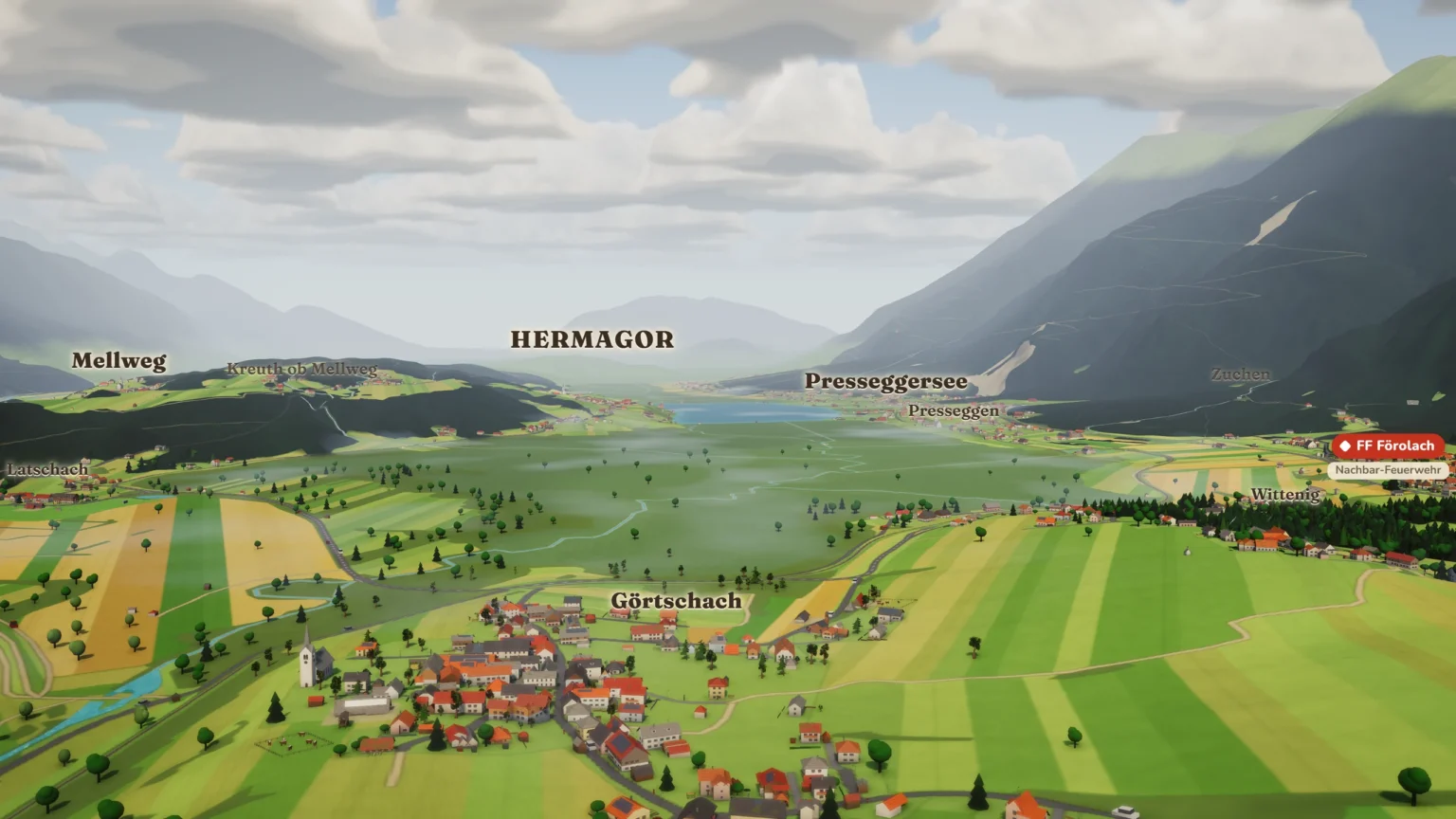
In Fire Tycoon Austria you run a volunteer fire brigade – a Freiwillige Feuerwehr, or FF for short – in your own village or town. The map is built from real map and elevation data: your streets, your stream, your mountains, as a lovingly made miniature world. You build the Rüsthaus (fire station), turn out for call-outs, train your people, hold festivals and let your brigade grow step by step. The game is free, with no subscription, no adverts and nothing to buy.
All you need is an up-to-date browser; there is nothing to install. The game plays best on a gaming PC or laptop with a mouse, where the graphics look their best and the controls are most precise. It also works on tablets and phones.
Guest or account: The start screen gives you three ways in:
If you start as a guest, you can sign in later; your saved games come with you.
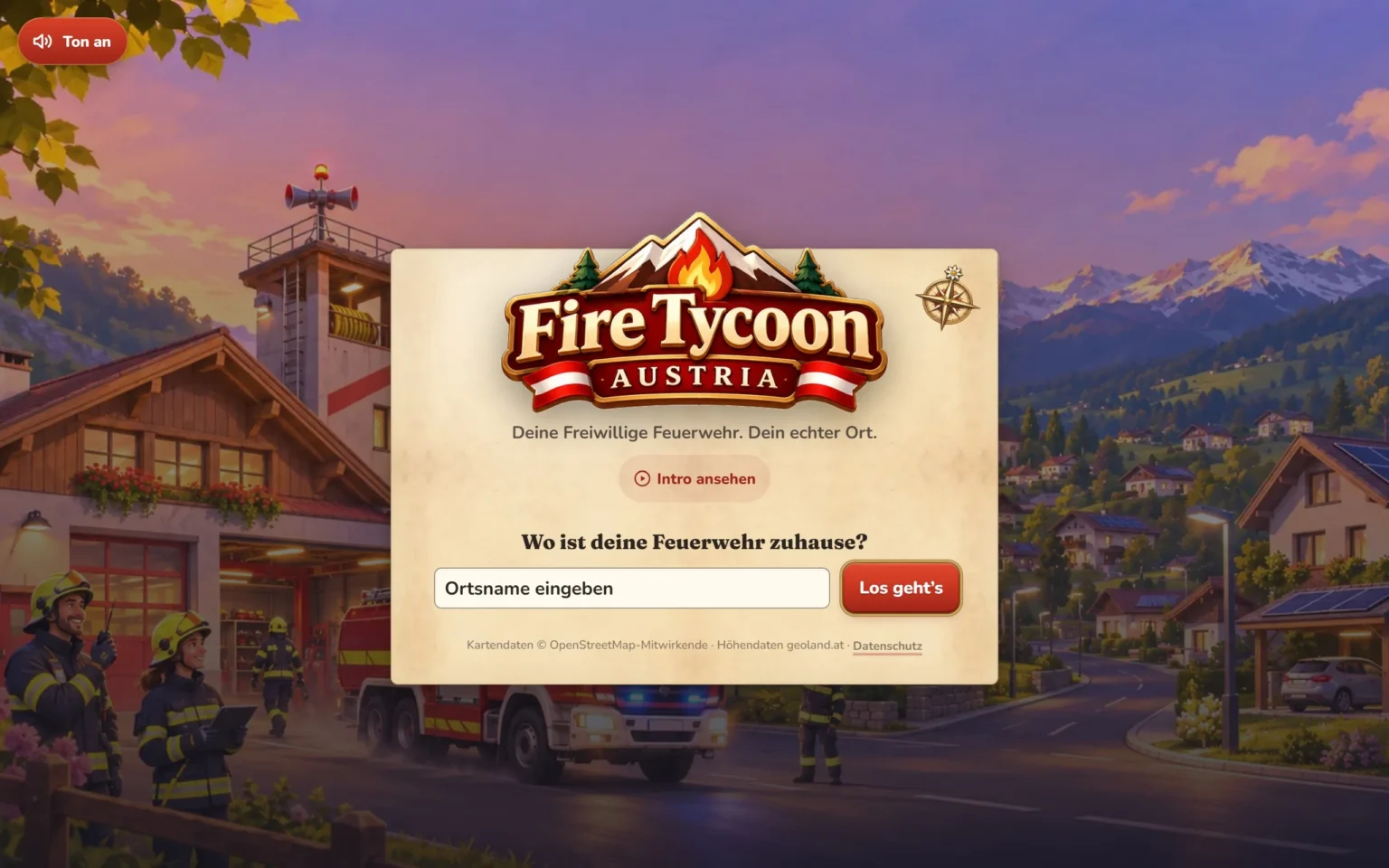
Find your place: At “Wo ist deine Feuerwehr zuhause?” (where is your fire brigade based?) type in your village or town and press “Los geht’s” (let’s go). If the name exists more than once, you choose by municipality (Gemeinde) and district. A short film plays while the map loads.
Place your Rüsthaus: A flag shows where the real fire brigade of your place stands – but you don’t have to stick to it. Press “Rüsthaus platzieren” (place fire station) and move the mouse over the map (on a phone: tap the spot). The door turns to face the street by itself. If the spot works, it says “Guter Bauplatz – klicken zum Bauen” (good building site – click to build); if not, it tells you why. If the real fire station is in the map data, “Am echten Standort” (at the real location) puts your Rüsthaus exactly there. You can move it again at any time later.
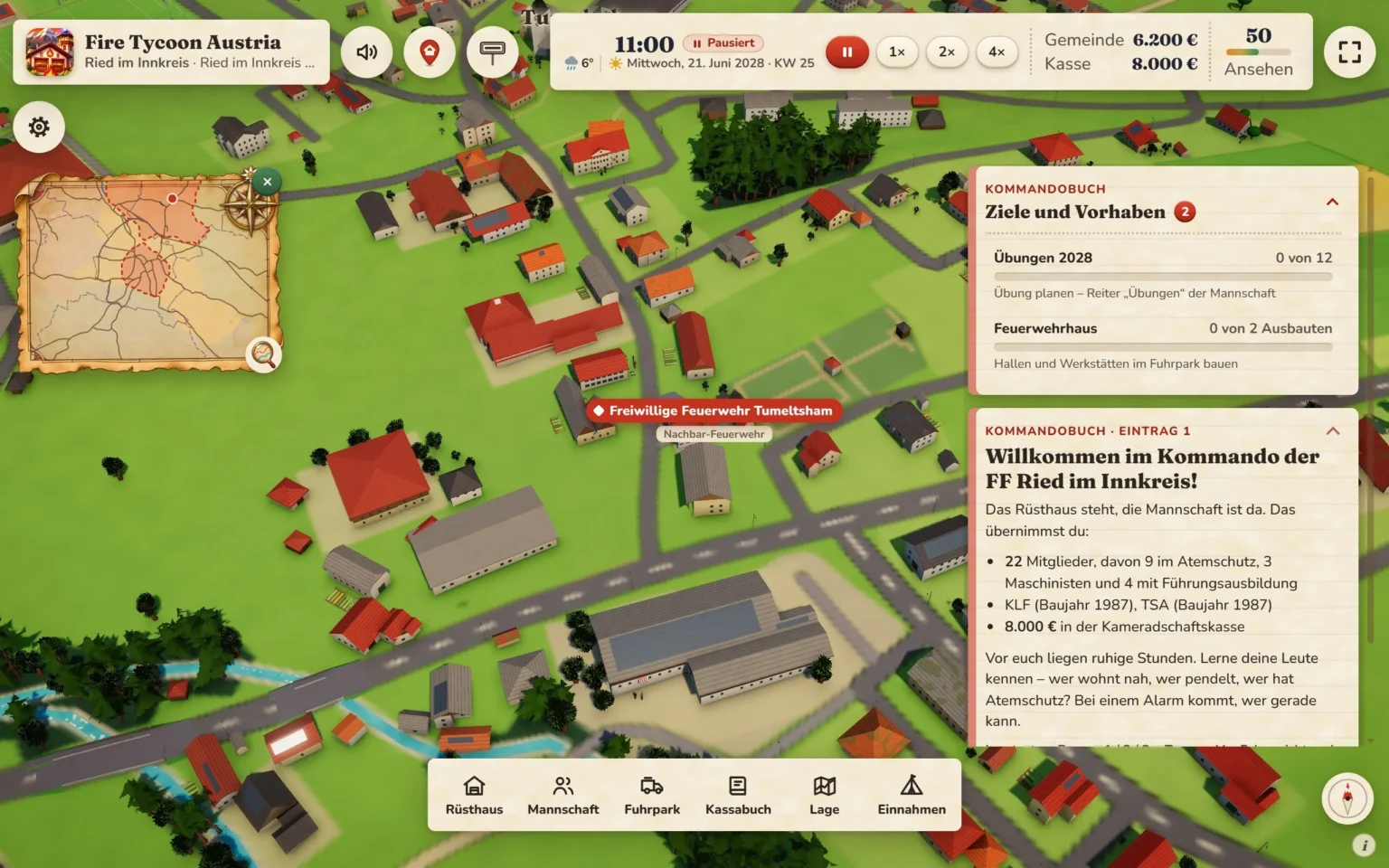
The first hour: As soon as the Rüsthaus stands, your FF is founded and the clock is running. The Kommandobuch (command log) welcomes you: a good twenty members, an old light fire engine with a portable pump trailer, and €8,000 in the Kameradschaftskasse (the brigade’s own club fund). Then it stays quiet – time to get to know your people: Who lives close by, who commutes, who is trained in breathing apparatus? On the first night, shortly before midnight, the siren wails: chimney fire. In the morning the first morning report arrives, and from then on things can start at any moment.
To start with:
| Mouse and keyboard | Phone and tablet | |
|---|---|---|
| Pan | drag with the left button, W A S D | one finger |
| Rotate and tilt | drag with the right button or the mouse wheel held down; Q/E rotate, R/F tilt | twist two fingers; move two fingers up or down together |
| Zoom | mouse wheel | two fingers |
| Face north | Home (Pos1) or N, or the compass at the bottom right | compass |
| Back to the Rüsthaus | H or the red map pin | red map pin |
If you drag upwards, the view gets flatter, all the way up into the sky. You set sensitivity and mouse buttons under cog → “Hilfe” (help) → “Kamera” (camera).
Time: At normal speed a game day lasts twelve minutes, with day and night. In the calendar it counts as a whole week – a game year has 52 game days. You choose the speed in the time bar: pause (space bar), 1×, 2× or 4× (keys 1, 2, 3). An alarm switches to 1×, and afterwards it goes back by itself.
You close windows with the green cross, with Esc or by clicking next to them. On a phone, a lot is tucked away in the menu button at the top right.
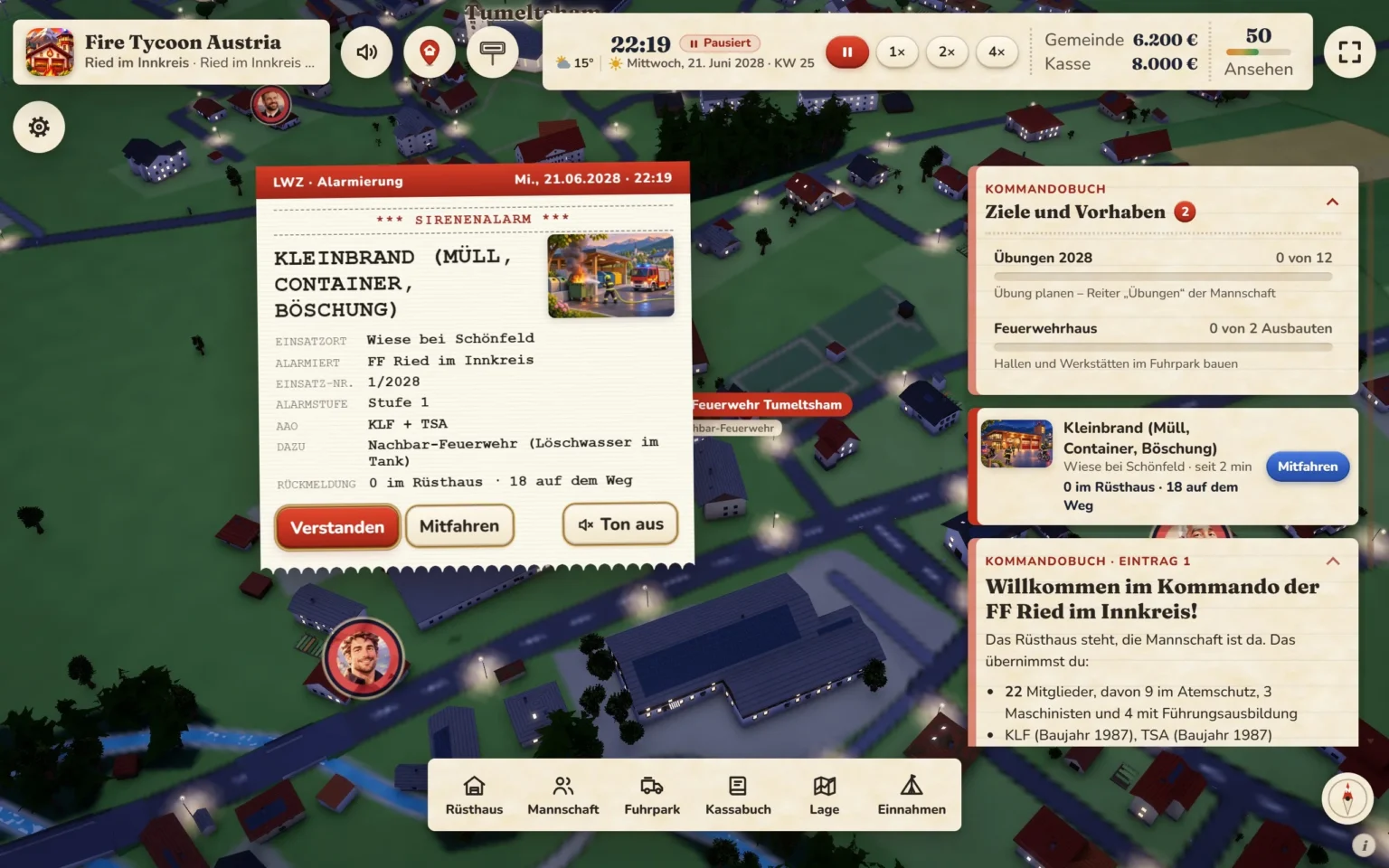
The alarm: When an emergency call comes in, the dispatch centre of your Bundesland (federal state) alerts your FF. The Alarm-Fax appears in the middle: type of call-out, location (only the village and the area, never an address), alarm level, which vehicles go, what is missing and who has already responded. For urgent call-outs the siren wails; otherwise the pagers go off.
Turning out: Your firefighters hurry through the village to the Rüsthaus as round portraits; the rim shows their rank (red for the rank and file, silver for Chargen (NCOs), yellow for officers). Who turns up depends on the time of day, their job and their motivation – on weekdays during the day the commuters are missing, while on public holidays and in the school holidays more people are at home. Then the vehicle drives over the real streets with blue lights, in slow motion, so you can see everything. If you are short of equipment, the neighbouring brigade comes as well; the call-out stays yours.
Riding along: With “Mitfahren” the camera follows your vehicle. In the bar at the bottom you have the Fahrersicht (driver’s view, key V) from the cab with steering wheel and speedometer, the Navi (satnav, key N) with route and time remaining, and Aussteigen (get out).
Walking with the incident commander: Once the first vehicle has stopped, you get out with the crew commander and see everything from his eye level. He only moves when you move him: dragging the mouse looks around, a click on the ground walks there, W A S D work too, and the mouse wheel or V shows him over the shoulder. On a phone, your thumb steers at the bottom left. The radio traffic runs along as subtitles, right up to “Wasser marsch!” (water on!). Esc takes you back. It changes nothing about the call-out itself – it is there so you can live through it.
Situation reports: At house and barn fires, field fires and road accidents with trapped people, the incident commander asks you: interior or exterior attack? Gentle or immediate rescue? Raise the alarm level so that neighbouring brigades move up? The game waits until you decide – or you press “Einsatzleiter entscheiden lassen” (let the incident commander decide). How well he leads depends on his training.
Ambulance, police, emergency doctor, mountain and water rescue and the road maintenance service join in when it fits.
Return and report: Afterwards the crew drives home. Hoses go into the wash, breathing apparatus cylinders are refilled; the call-out bar tells you what the vehicle is still waiting for. The incident report shows the rating, who was in charge, which partners were there, what the municipality and the club fund receive or pay, and how your reputation changes.
When the neighbours have big call-outs, the dispatch centre calls you in for mutual aid.
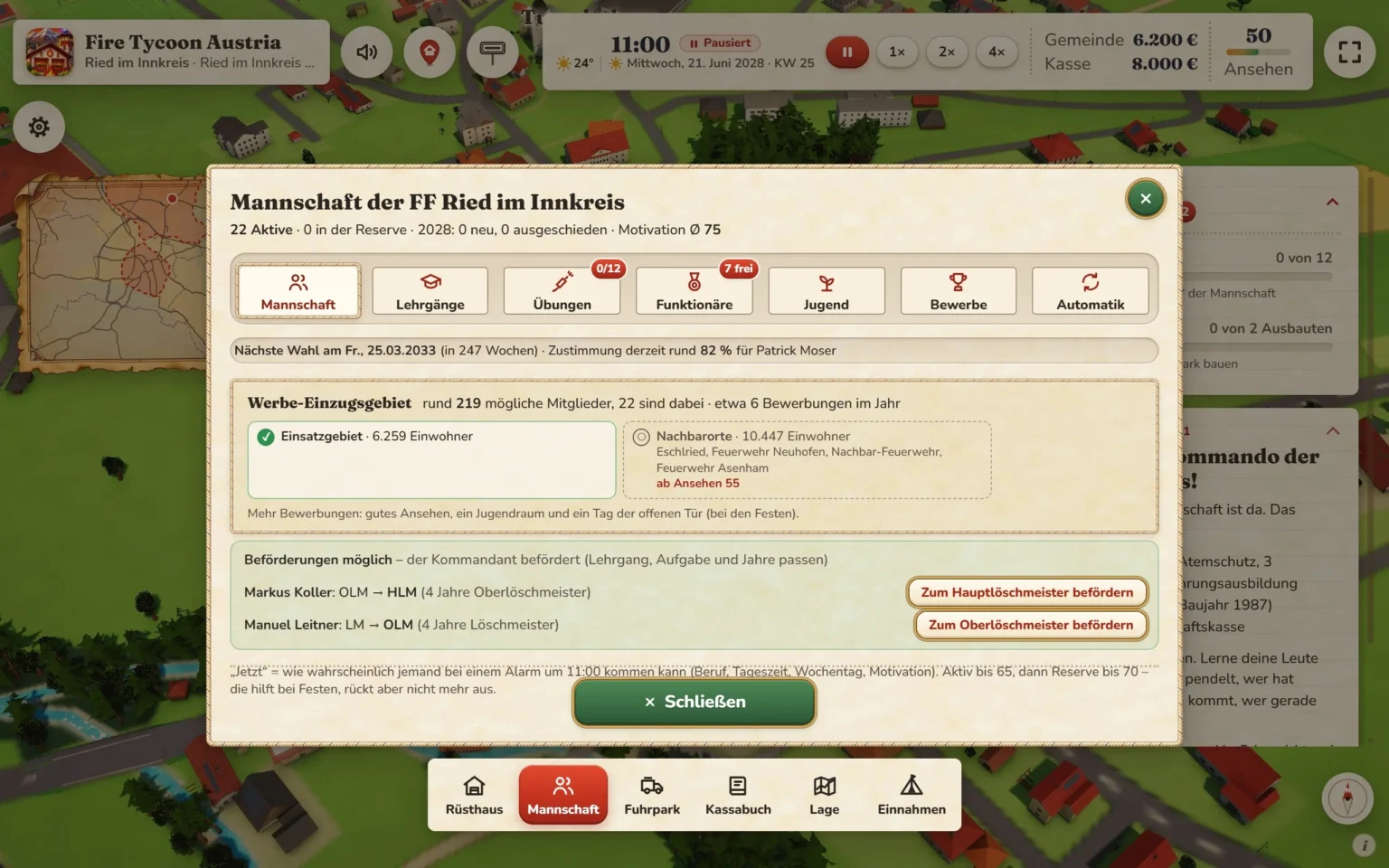
Under Mannschaft you find the tabs “Mannschaft”, “Lehrgänge” (courses), “Übungen” (drills), “Funktionäre” (office holders), “Jugend” (youth), “Bewerbe” (competitions) and “Automatik” (automatic).
If your FF falls below the minimum number of active members that your Bundesland requires, you get an advance warning with a deadline.
Your FF has two separate funds; both are shown in the time bar, and a click opens the Kassabuch.
Municipal budget: The municipality is the body that maintains the fire brigade. From its money you pay for vehicles, the Rüsthaus, clothing, maintenance, fuel and loss of earnings. Whatever is left at the end of the year goes back. At the turn of the year comes the budget meeting with the mayor: you can renegotiate once and apply for a reserve, so that the rest is kept for larger purchases.
Club fund: The FF’s own money – it does not expire. From it you pay for team spirit, youth work and projects such as a crew outing or a defibrillator for the village. Every buy button shows who pays – the municipality pays for equipment first, and only then does the club fund step in.
Income (toolbar):
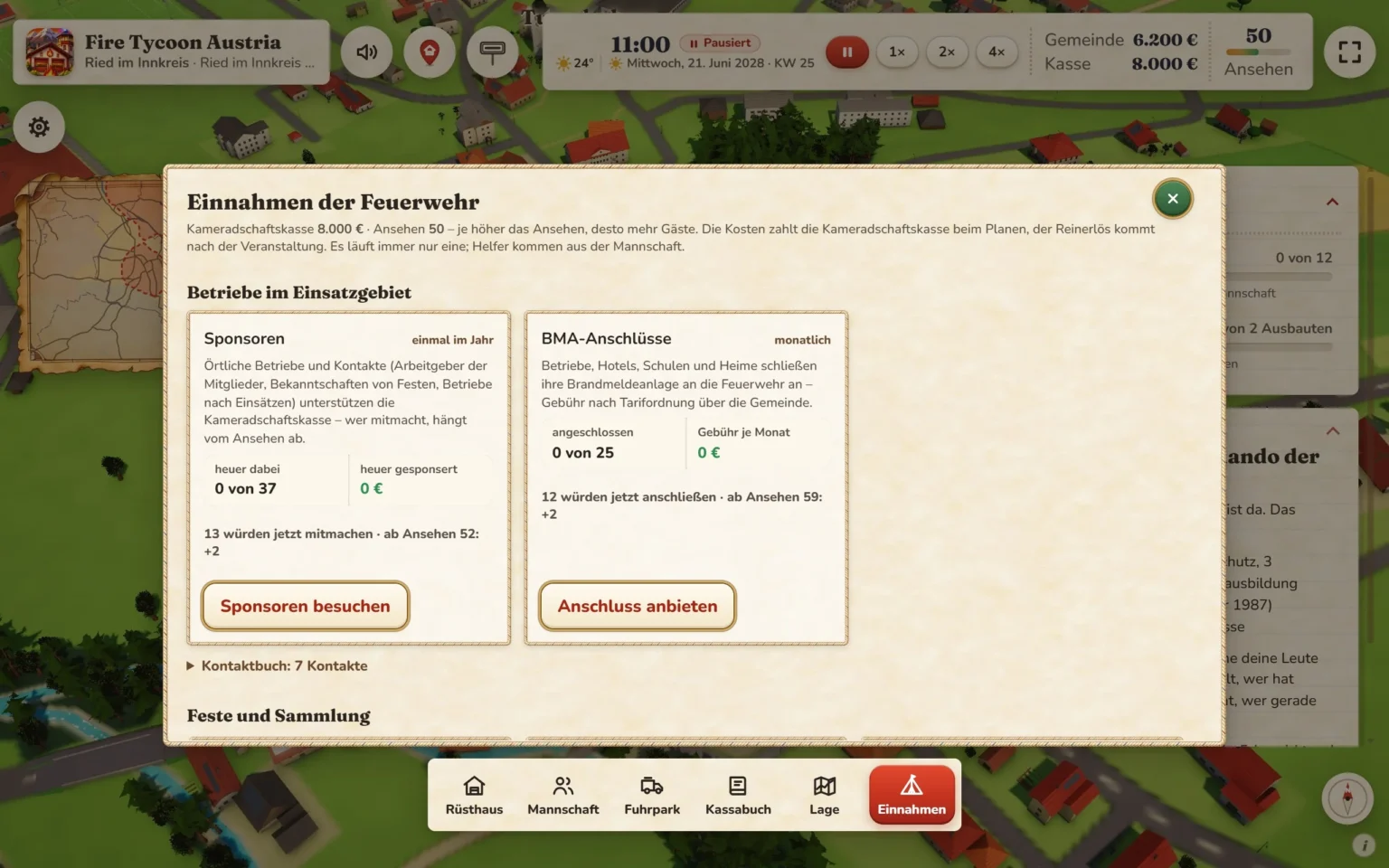
The takings depend on reputation, weather and helpers. During the festival the tent stands next to your Rüsthaus on the map. On top of that there are sponsors, contacts with your members’ employers, donations after call-outs, and businesses that connect their fire alarm system.
Grants: For vehicles, extensions and equipment, the state or the state fire brigade association pays a share – it differs from Bundesland to Bundesland. Grants are a bonus; you can always buy. Small places get their own “Ausgleich des Landes” (state equalisation payment). If the money is not enough, you ask the municipal council for special funding.
Vehicles (Fuhrpark → “Kaufen” (buy)):
Which vehicles there are depends on the Bundesland. You can only sell your last fire engine if you replace it.
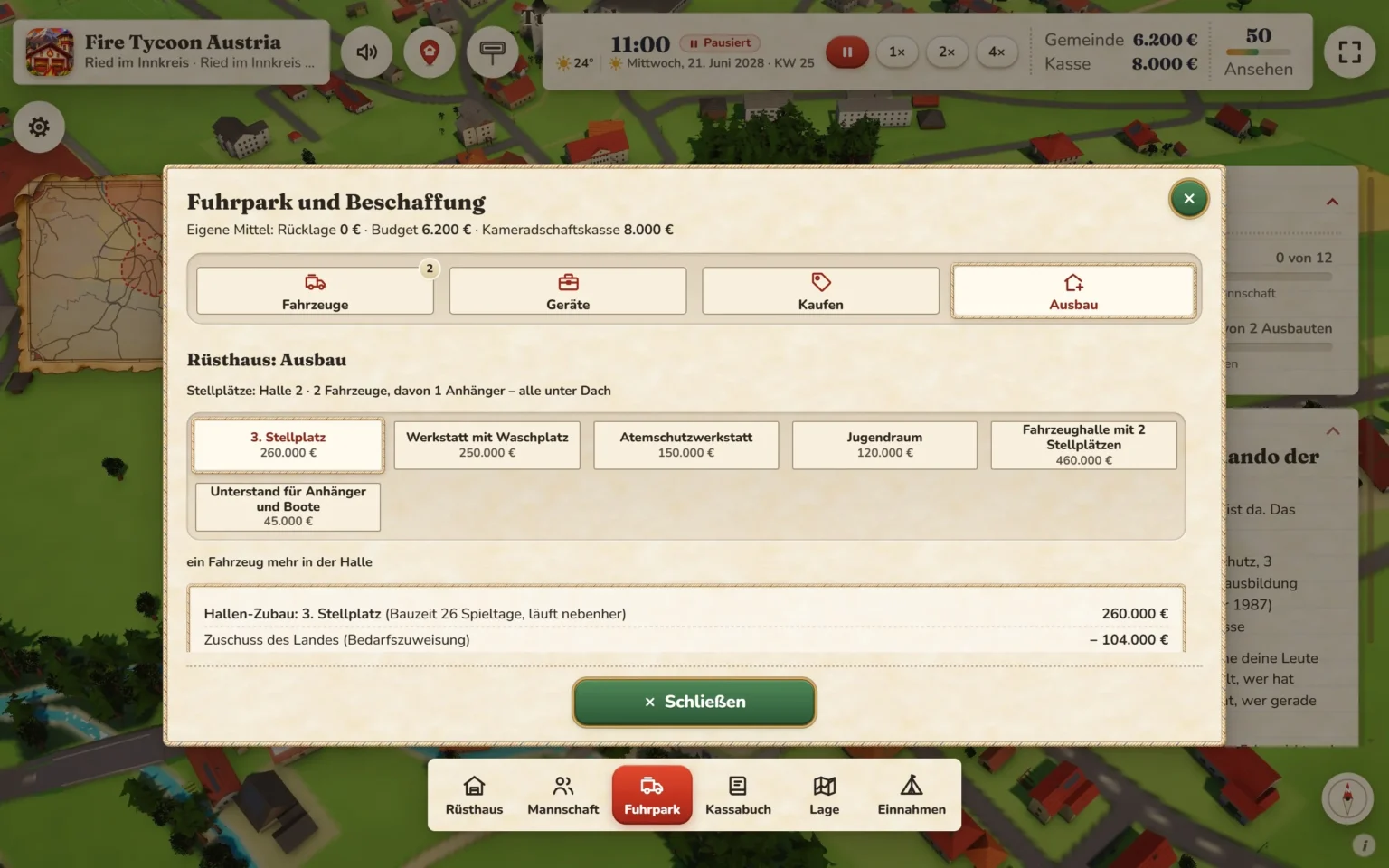
Extensions (Fuhrpark → “Ausbau” (expansion)) – no upper limit, and several at the same time:
This is how the Rüsthaus grows into a Feuerwehrhaus (fire house: canopy, flags, tower clock) and then a Feuerwehrzentrum (fire brigade centre: drill tower, solar panels).
Equipment (Fuhrpark → “Geräte” (equipment)): hydraulic rescue tools, thermal imaging camera, chainsaw, submersible pump, drone and much more, each with its condition and inspection date. If a piece of equipment is missing, the call-out takes longer. You restock hoses and breathing apparatus cylinders in the Rüsthaus window.
To tick off:
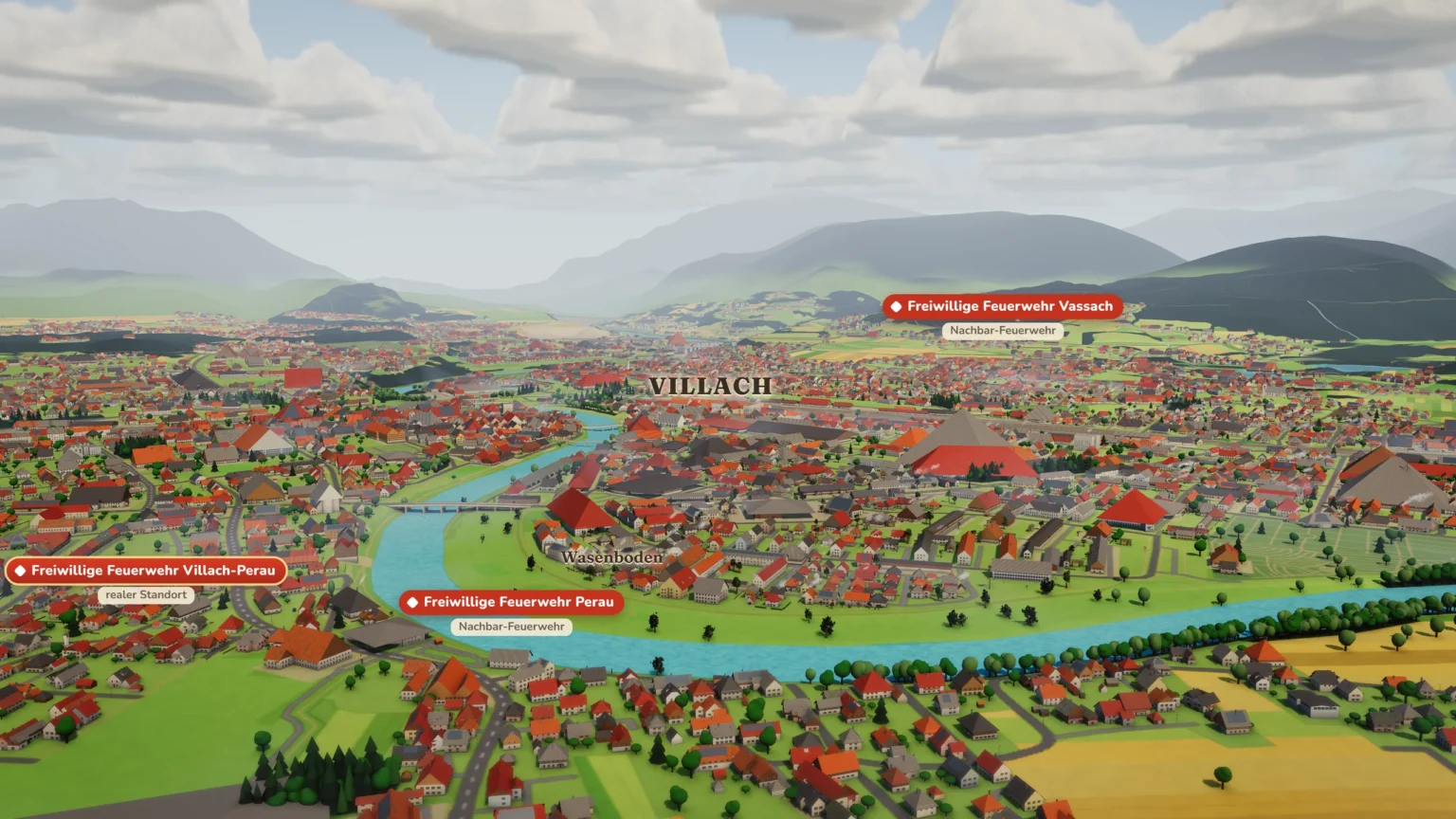
A small FF can become a whole network.
Taking over: The real neighbouring fire brigades are on the map. A click on their flag shows their status, crew and how they feel about you – mutual aid improves relations. With “Übernehmen …” (take over …) you offer an investment package, and their members’ meeting votes on it. After that the brigade belongs to your network, with its people, vehicles and area. You find brigades beyond the edge of the map under “Feuerwehren im Tal …” (fire brigades in the valley …). Professional fire brigades stay neighbours.
Founding a new one: “Neue Feuerwehr gründen …” (found a new fire brigade …) in the Rüsthaus window shows places nearby without a station. A member who has done the commander’s course goes there as commander, and the new unit turns out straight away.
Several locations: You choose the location via the title card. The club fund is shared, and each unit earns money in its own place too. If more than half the fire brigades in your municipality belong to you, you become Gemeindefeuerwehrkommandant (municipal fire chief).
Stützpunkt (base brigade): Where state law has Stützpunktfeuerwehren (base brigades) – in the game currently Carinthia – the district awards this status every year by performance, to you as well.
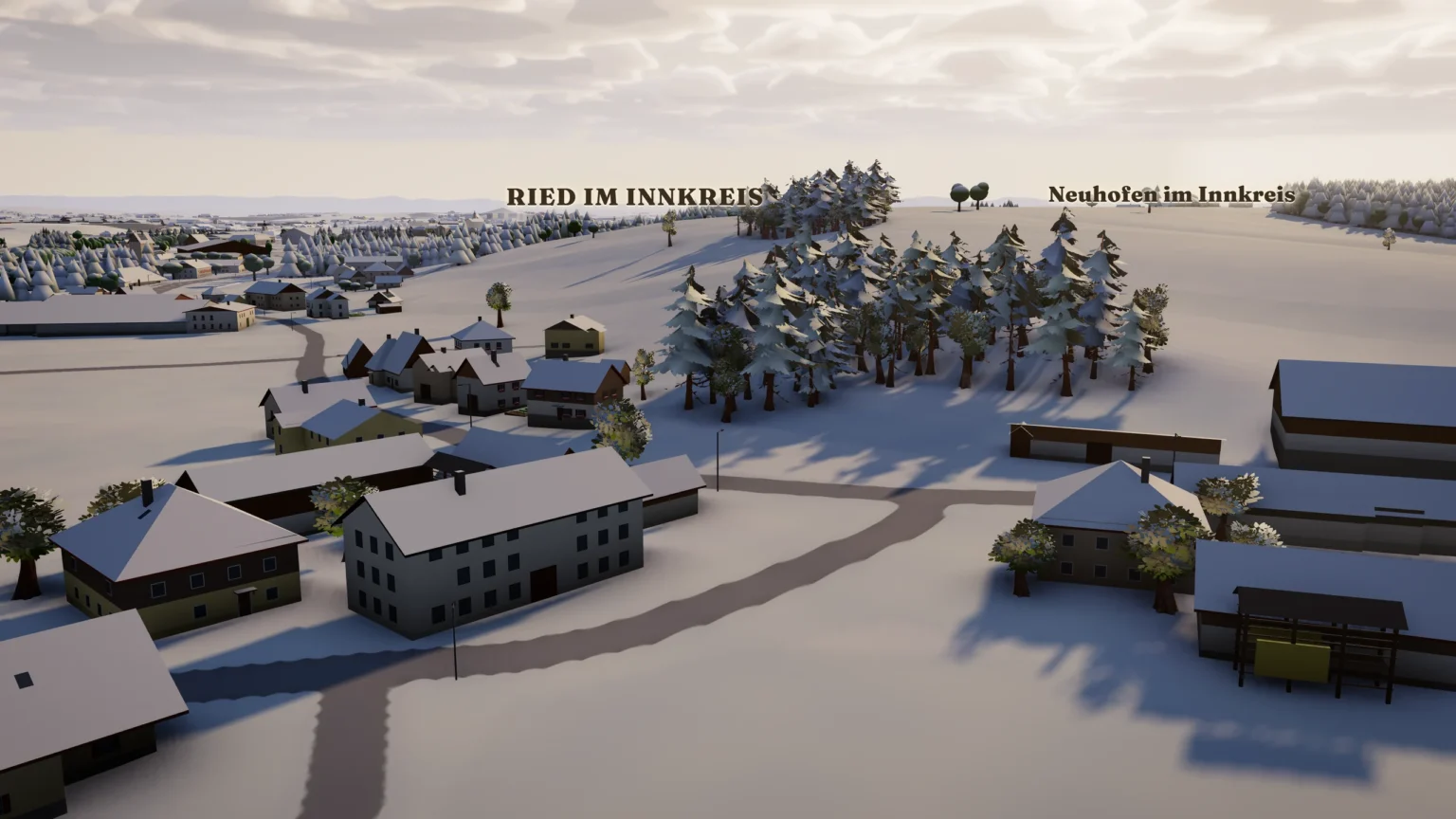
Every game day has its own weather – sunshine, rain, thunderstorms with lightning and thunder, storms, snow or valley fog – worked out from the climate of your region. The weather decides what happens: storms blow trees down, heavy rain fills cellars, drought brings field fires, cold brings chimney fires. In spring the fruit trees blossom, in autumn the leaves change colour, in winter there is snow, and in Advent the Christmas lights shine.
Major incidents: The weather can turn into a storm, flood, snow, forest fire or mudslide. The day before, a warning comes, then the major alarm. A banner below the time bar opens the “Lage” window:
At the end comes the final account: the costs are reimbursed, plus thanks from the municipality and donations.